
Table of Contents
You’ve probably seen your feed fill up with cartoon versions of friends and coworkers, surrounded by laptops, coffee mugs, and their favorite props. But most people paste the same one-line prompt, get a generic result, and never think about what they’re handing over to the AI. In this guide, we’ll show you the exact prompts that work, how to get a personal caricature even with no chat history, and how to join the trend safely.
Key Takeaways
- The ChatGPT caricature trend is an AI image trend in which users ask ChatGPT to create an exaggerated cartoon portrait of themselves and their job. It went viral in February 2026.
- The viral prompt is “Create a caricature of me and my job based on everything you know about me.” ChatGPT then asks for a selfie.
- Caricatures come out more personal when ChatGPT has a longer chat history with you.
- Users with little chat history get better results by describing their job, props, and art style in detail.
- Style instructions such as “classic theme-park caricature, big head, smaller body” improve results and control the level of exaggeration.
- Sharing selfies and personal details with AI tools carries privacy risks, so limit what you reveal about your employer, location, and routines.
- The same prompt also works in other tools such as Google Gemini, so the trend is not limited to ChatGPT.
What Is the ChatGPT Caricature Trend?
The ChatGPT caricature trend is a viral AI image trend in which users ask ChatGPT to generate an exaggerated cartoon portrait of themselves and their profession. According to CyberLink, the trend exploded in February 2026. It spread across Instagram, LinkedIn, X, and WhatsApp within days.
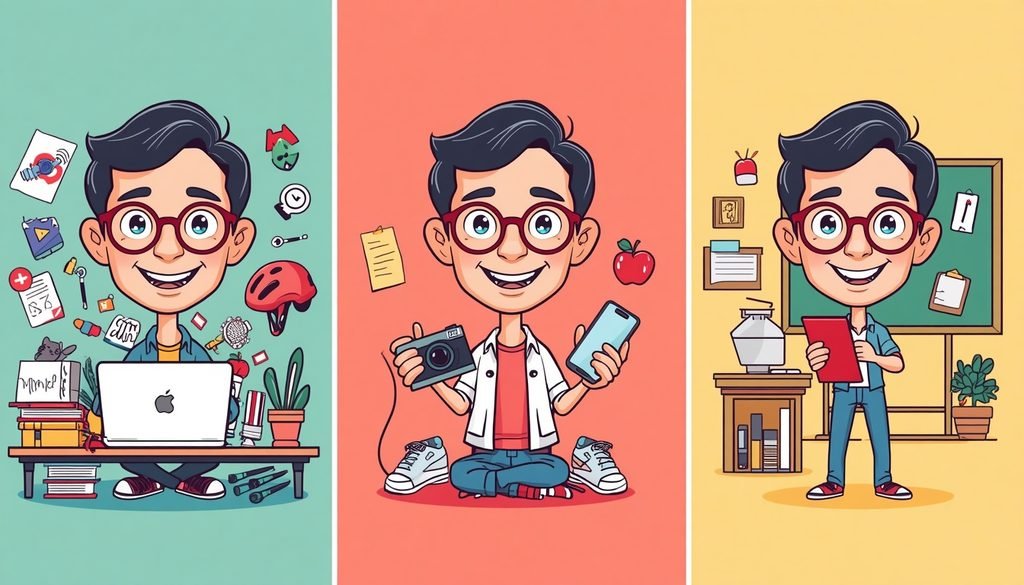
First, the mechanics are simple. You type a short prompt, upload a selfie, and ChatGPT returns a cartoon of you surrounded by objects that represent your work and hobbies. For example, a teacher might appear with an oversized apple, a stack of papers, and a mug that says “World’s Okayest Teacher.”
Second, the trend has a clear lineage. It follows the ChatGPT Starter Pack trend of March 2025, according to Kapwing, and earlier waves like [Internal link: “Studio Ghibli AI trend” → your Ghibli-style image guide] and the [Internal link: “AI action figure trend” → your action-figure trend explainer]. Good Things Guy described it as the first AI trend of 2026.
Finally, the trend is not limited to one tool. The Straits Times reports that the same prompt also works on Google Gemini. For a wider look at what you can ask an image model to do, see our ChatGPT image generation prompts your.
Why Did the ChatGPT Caricature Trend Go Viral?
The trend went viral because it combines personalization, zero skill requirements, and instant shareability. Anyone with a photo and a one-line prompt can join. No design app or drawing ability is needed.
It Feels Personal
Unlike a generic cartoon filter, ChatGPT can draw on your past conversations. If you have spent months asking it about spreadsheets, code, or lesson plans, those details can show up in your caricature. For example, a developer who often debugs Python might get a caricature with terminal windows and an overflowing coffee cup.
It Is Easy to Join
Moreover, the barrier to entry is tiny. ChatGPT has about 900 million weekly active users — Source: [WiserNotify, 2026]. That is a huge pool of people who already have the tool open. Good Things Guy also noted that the free version allowed up to five images per day at the time of writing, though limits change often, so check OpenAI’s current policy.
It Rewards Identity Sharing
In addition, people love seeing themselves reflected through their jobs and hobbies. A caricature is a joke about you that you get to tell first. That makes it perfect for LinkedIn and Instagram posts, where a funny, personal image earns comments quickly.
How Do You Make a Caricature of Yourself With ChatGPT, Step by Step?
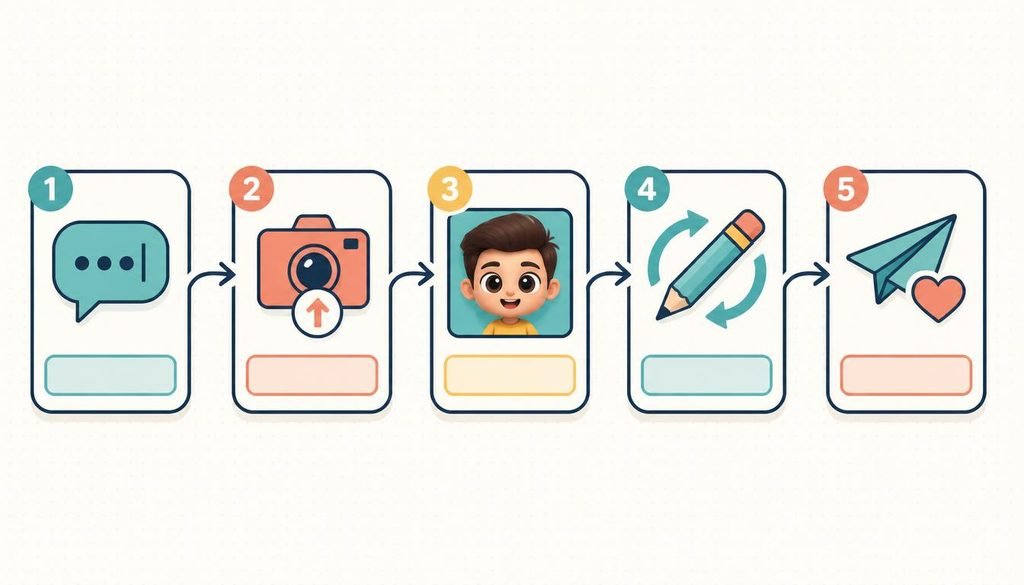
You make a ChatGPT caricature by entering a caricature prompt, uploading a selfie when asked, and refining the result with follow-up instructions. The whole process usually takes a few minutes.
- Open ChatGPT. Use the website or the mobile app, and make sure image generation is available on your plan.
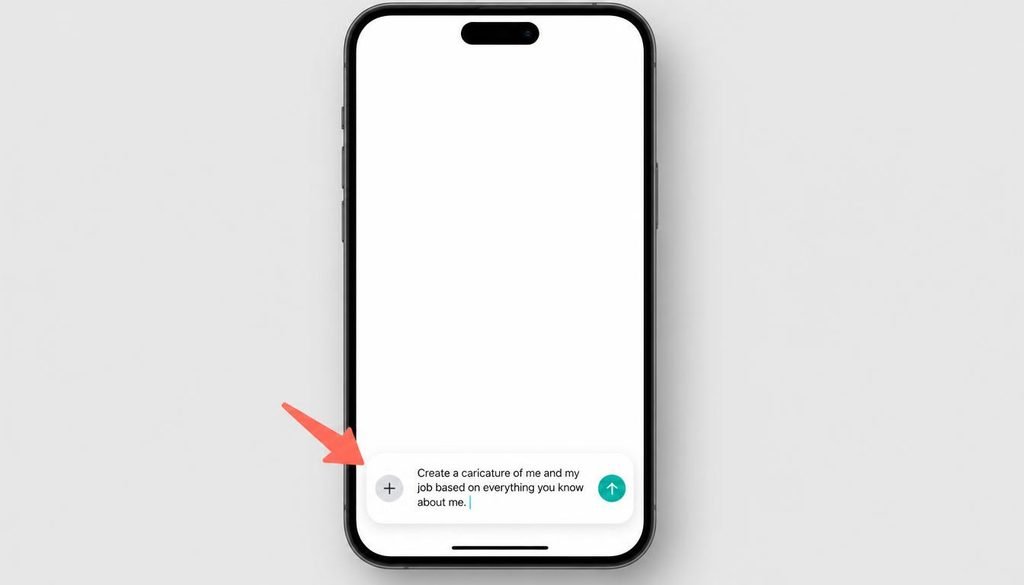
- Paste the viral prompt. Enter: “Create a caricature of me and my job based on everything you know about me.”
- Upload a selfie. The Straits Times notes that ChatGPT will ask for a photo after you submit the prompt. Use a clear, front-facing image with good lighting.
- Wait for the first image. Review the result for your face, job details, and props.
- Refine with follow-ups. Ask for specific changes, such as “Make the style more like a classic theme-park caricature, with a big head and smaller body.”
- Save and share. Download the image and post it.
For tips on writing sharper instructions, read our [Internal link: “how to write better AI prompts” → your prompt engineering for beginners guide].
Can You Make ChatGPT Caricatures for Free?
Yes, you can usually make a ChatGPT caricature on the free plan, but image limits apply. Good Things Guy reported a cap of five images per day on the free version in February 2026. Limits and features change, so confirm the current allowance. If you hit the cap, wait for it to reset or try a free alternative such as Google Gemini. See our ChatGPT free plan limits for a detailed breakdown.
Do You Need a Chat History With ChatGPT to Make a Caricature?
No, you do not need a long chat history, but a longer history makes the caricature more personal. Croma Unboxed notes that the “everything you know about me” prompt works best when ChatGPT already knows your job and the tools you mention often. If you have little history, you can still get a strong result by supplying the details yourself.
Here is how the three approaches compare:
| Approach | Best for | Example prompt | Personalization |
|---|---|---|---|
| Full-history prompt | Regular ChatGPT users | “Create a caricature of me and my job based on everything you know about me.” | High, but less predictable |
| Detailed fresh-start prompt | New or light users | “Create a colorful caricature of me as a tech journalist who reviews gadgets and shoots short videos.” | Medium to high, more controlled |
| Profession-only prompt | Quick, simple results | “Turn the provided photo into a warm, expressive teacher caricature.” | Medium |
Next, think about how much control you want. A full-history prompt surprises you. A detailed prompt gives you predictable results. Croma Unboxed describes this as a trade-off: your prompt sets the balance between a surprise and a controlled outcome.
If you want to manage what ChatGPT remembers, our guide to ChatGPT memory and chat history settings and personalization] walks through the options.
What Are the Best ChatGPT Caricature Prompts to Copy?
The best ChatGPT caricature prompts name a job, a mood, and an art style, and ask ChatGPT to use your uploaded photo as the reference. Below are 20 prompts grouped by use. Replace the bracketed text with your own details.
Job-Focused Prompts
- Turn the provided image into a caricature of a journalist with a notebook and press badge.
- Create a caricature drawing of a pilot from my provided photo.
- Make a caricature of me as a software developer surrounded by monitors and sticky notes.
- Create a caricature of me as a doctor with a stethoscope and a coffee-stained chart.
- Turn my photo into a lawyer caricature with stacked case files and a gavel.
- Create an artist caricature of me with paint-splattered clothes and an easel.
For polished versions to use as a work headshot alternative, see our caricature prompts for professionals
Personal and Lifestyle Prompts
- Create an energetic gym caricature using my photo as a reference.
- Create a travel-themed caricature using my provided photo, with a passport and suitcase.
- Turn the uploaded image into a party caricature with balloons and confetti.
- Make a couple caricature of the two of us, with exaggerated smiles and matching outfits.
- Create a kid caricature in a playful, bright style.
- Create a caricature of me with my pet, both with big expressions.
Style-Focused Prompts
- Make it like a classic theme-park caricature, big head, smaller body.
- Create a black-and-white traditional ink caricature drawing from my photo.
- Create a colorful caricature with bold outlines and a cheerful background.
- Make a watercolor-style caricature of me at work.
- Create a retro newspaper-cartoon caricature of me.
- Make a subtle caricature with only mild exaggeration of my features.
- Create a comic-book-style caricature with a bright, dramatic background.
- Create a minimalist caricature of me with a plain background and one prop.
Several of these prompts follow patterns published by Techjockey, which lists job-, lifestyle-, and style-based variations.
Why Is My ChatGPT Caricature Not Working or Looking Wrong?
A ChatGPT caricature usually looks wrong because the prompt is vague or the reference photo is unclear. CyberLink notes limits in style consistency, exaggeration control, props, and resolution. Most problems can be fixed with a follow-up prompt.
How Do You Fix a Caricature That Doesn’t Look Like You?
First, upload a clearer photo with good lighting and a front-facing angle. Then ask for specific corrections. For example: “Keep my glasses and short dark hair, and make the nose less exaggerated.”
How Do You Make a Caricature Less Exaggerated?
Next, tell ChatGPT how far to push the style. Say “mild exaggeration” or “subtle caricature.” If the result feels too cartoonish, ask for a more realistic art style.
How Do You Fix Wrong Props or Job Details?
Similarly, if ChatGPT guessed the wrong profession, name the correct job and list the props. For example: “I’m a nurse, not a doctor. Add a badge, scrubs, and a clipboard.” Kapwing also advises submitting a new prompt to revise the image rather than starting over.
For more fixes, see our fix common AI image mistakes.
Is the ChatGPT Caricature Trend Safe for Your Privacy?
The ChatGPT caricature trend is generally low-risk as a one-off, but it can encourage oversharing of personal and professional details. Experts have raised concerns. The Straits Times quoted US lawyer Jessica Eaves Mathews, who specializes in AI, trademark, copyright, and privacy law. She warned that such trends normalize giving AI models increasingly personal details, and that doing so can make people “easier to find, easier to map, easier to target.”
Moreover, Gulf News pointed out that a workplace caricature can reveal your profession, tools, and office setting. For example, a caricature that shows your company’s logo, your city skyline, and your job title tells strangers a lot about you.
How Can You Join the Trend Safely?
By following a few simple habits, you can enjoy the trend and limit your exposure:
- Skip identifying details. Leave out your employer’s name, logo, and workplace layout.
- Use a generic backdrop. Avoid landmarks or street signs that reveal your location.
- Check your settings. Review ChatGPT’s memory and data controls before you upload a photo.
- Think before posting. Ask whether a stranger could use the image to find you.
Our guide to AI privacy best practices covers these steps in more detail.
Can You Make AI Caricatures With Gemini or Other Tools?
Yes, you can make AI caricatures with Google Gemini and other AI image tools, because the same prompt works across several generative AI platforms. The Straits Times confirmed that the viral prompt also works on Gemini. Gemini is a serious rival in usage, too, with over 900 million monthly active users as of May 2026 — Source: [WiserNotify, 2026].
| Tool | Strength | Consideration |
|---|---|---|
| ChatGPT | Draws on chat history for personalization | Free image limits apply |
| Google Gemini | Works with the same viral prompt | Results depend on your history with Gemini |
| Dedicated caricature or photo editors | More control over style and resolution | May require extra steps or a paid plan |
For example, CyberLink suggests using a prompt from ChatGPT in a dedicated editor like MyEdit to gain more control over the final image. Kapwing describes a similar two-step workflow: ask your chatbot to write a detailed image prompt, then paste it into an image generator.

Explore more options in our Google Gemini image generator and our roundup of the [Internal link: “best AI image generators” → your AI image generator roundup].
How Is the Caricature Trend Different From the Ghibli and Action Figure Trends?
The caricature trend differs from earlier AI trends because it focuses on exaggerating your personality and job, not just changing your visual style. The Ghibli trend restyled photos in a soft, hand-drawn look. The action figure and Starter Pack trends packaged you as a collectible with accessories. Caricatures make a joke out of your traits.
For example, a Ghibli-style image of you might show a pastoral scene. A caricature shows you with a giant head, tiny body, and a laptop covered in stickers. The caricature is more personal, and that makes it more shareable and more privacy-sensitive.
What’s Next: How to Share and Customize Your Caricature
Your next step is to pick one prompt, generate your caricature, and refine it until it feels right. Start with the viral prompt, then try one profession-specific version and one style variation. Compare the results and keep the best.
First, tailor your caption to the platform. On LinkedIn, pair your caricature with a short story about your work week. On Instagram, use a playful caption and relevant hashtags such as #ChatGPTCaricature and #AITrend.
Second, keep watching for the next wave. AI trends move fast, and each new one builds on the last. Our viral AI trends to try tracks what’s catching on.
Conclusion
The ChatGPT caricature trend turns a one-line prompt and a selfie into a funny, personal portrait. It works best when you give ChatGPT context, either through chat history or a detailed prompt. It stays safest when you think about what your image reveals.
Now it’s your turn. Pick a prompt from the list above, make your caricature, and share it with a clear head about privacy. The best caricatures are the ones that make you laugh at yourself and keep your personal life your own.